Black Myth: Wukong PC settings optimization empowers players to achieve stunning graphics and flawless performance for an epic gaming adventure.
The gaming world has been buzzing about Black Myth: Wukong, a title hailed by many as China's first true AAA video game masterpiece. While PC players have been able to embark on this epic journey since 2024, the experience hasn't been smooth sailing for everyone. Performance hiccups and visual quirks have been a common chorus in the player community. Fast forward to 2026, and the game's place in gaming history is secure, but the quest for the perfect, buttery-smooth visual experience remains a top priority for players.
This comprehensive guide is your ally in that quest. It's designed to help you find that sweet spot between the game's breathtaking, mythical beauty and rock-solid performance. After all, in a game as fast-paced and demanding as this, hitting that golden 60 FPS can mean the difference between a glorious victory and a frustrating defeat against a towering boss. Think of these settings as your own personal set of magical artifacts, each tweak bringing you closer to gaming nirvana.
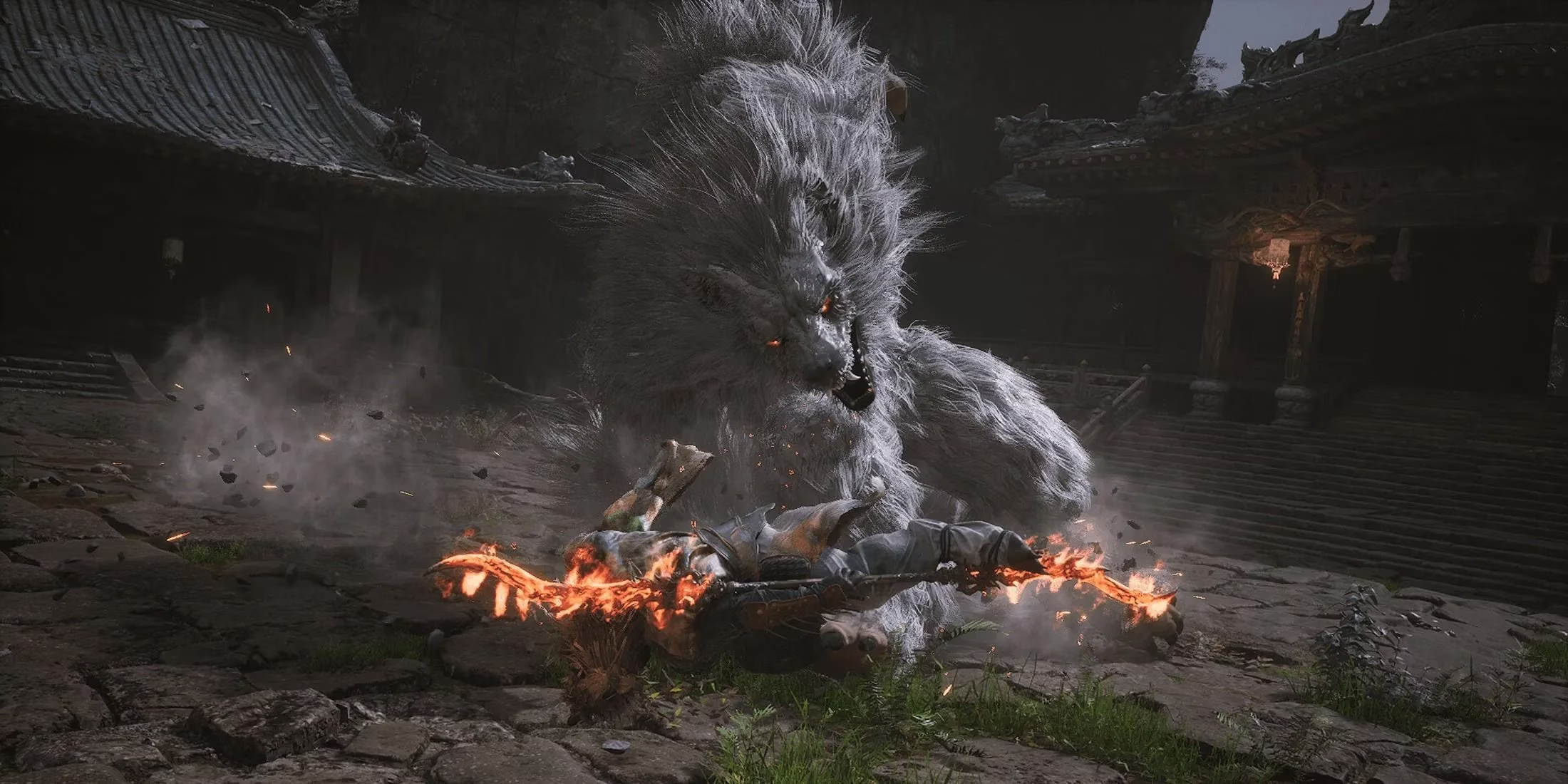
🎮 Core Graphics Settings: The Performance Powerhouses
Let's talk about the big hitters. The settings in this section are where you'll get the most bang for your buck in terms of frame rate gains. But here's the catch—they also have the biggest impact on how the game looks. It's a delicate dance, and one wrong step can leave your game looking like a blurry mess or weirdly stretched. Nobody wants that.
-
Ray Tracing: This one's a real beast. It makes light and shadows look absolutely insane, like you're watching a movie. But oh boy, does it demand a powerful PC. Unless you're rocking a top-tier graphics card like an RTX 5080 or 5090 (remember, it's 2026 now!), you might want to keep this turned off. The performance hit is just too real for most setups.
-
Shadow Quality & Lighting: These are often the first to get dialed down when chasing frames. Moving from 'Ultra' to 'High' or even 'Medium' can free up a significant chunk of performance with a surprisingly minimal visual sacrifice in the heat of battle.
-
Post-Processing Quality: This controls many of the game's screen effects. Lowering it can clean up the image and boost FPS, but be careful not to strip away all the atmosphere.
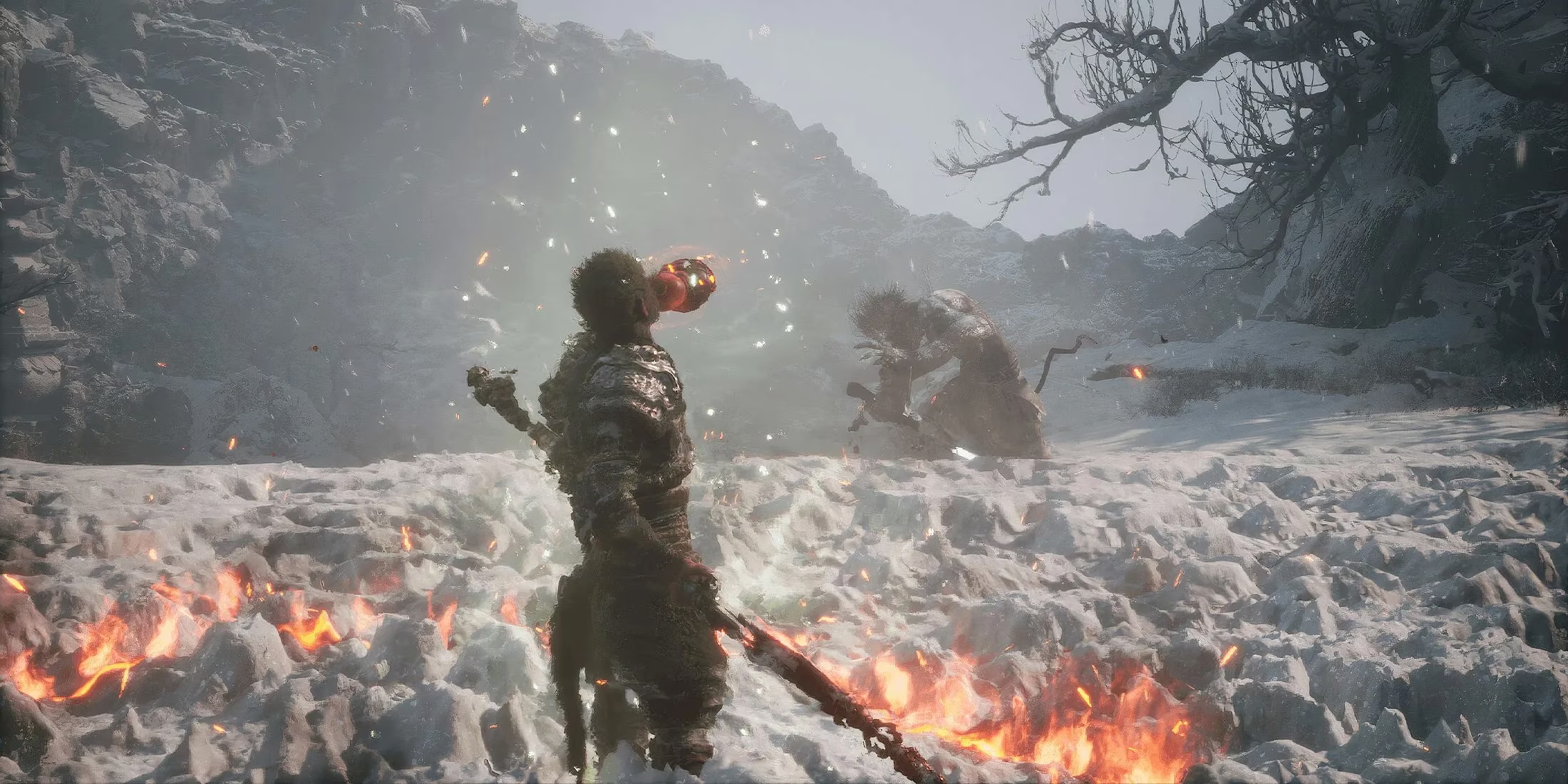
🔧 Advanced Tweaks & The Essential Mod
Let's be real for a second—as gorgeous as Black Myth: Wukong is, it shipped with a few... let's call them "artistic choices" that not everyone vibes with. An overly aggressive sharpening filter that can make everything look a bit crunchy, a dark vignette effect around the edges of the screen, and the lack of a Field of View (FOV) slider. For PC players feeling constrained by the default view, it was a bit of a bummer.
Well, guess what? The modding community came to the rescue, and their tools have only gotten better by 2026. Note for PS5 players: Sorry folks, you're still playing with the cards you were dealt. These tweaks are for PC masters only.
The go-to solution is the WukongTweak mod. Here’s your step-by-step guide to a clearer, more customizable Wukong:
-
Download: Grab the latest version of WukongTweak from its trusted source (as of 2026, it's likely several versions past the original v0.8.2).
-
Extract the downloaded ZIP file to a familiar location, like your Downloads folder.
-
Navigate & Edit: Open the
WukongTweak.iniconfiguration file with a simple text editor like Notepad. This is where the magic happens. -
Make Your Changes: This is the fun part. You're the director now.
-
FOV Freedom: Find the
AdditionalFOVline. You can adjust this value to widen or narrow your camera view. Experiment within the -80 to 80 range to find your perfect perspective. -
Bye-Bye Vignette: Locate the
[Vignette]section and setEnabled = false. This removes the darkened edges, opening up the full screen. -
Tame the Sharpening: Under
[AdjustSharpening], theStrengthvalue controls the sharpening filter. The default might be too high. Try setting it to0.5or even0for a softer, more natural image. -
Disable Chromatic Aberration: Ensure the setting under its respective section is also set to
falseto remove color fringing effects.
-
-
Save & Deploy: Save the
.inifile and close it. Now, copy the entireb1folder from the mod's directory. -
Install: Paste this
b1folder directly into the root directory of your Black Myth: Wukong game installation. Usually, it's somewhere likeC:\Program Files\BlackMythWukong\. Overwrite if prompted.
And that's it! Fire up the game, and you should immediately notice a cleaner, crisper, and more personalized visual experience. The world of Black Myth: Wukong will feel more immersive than ever.
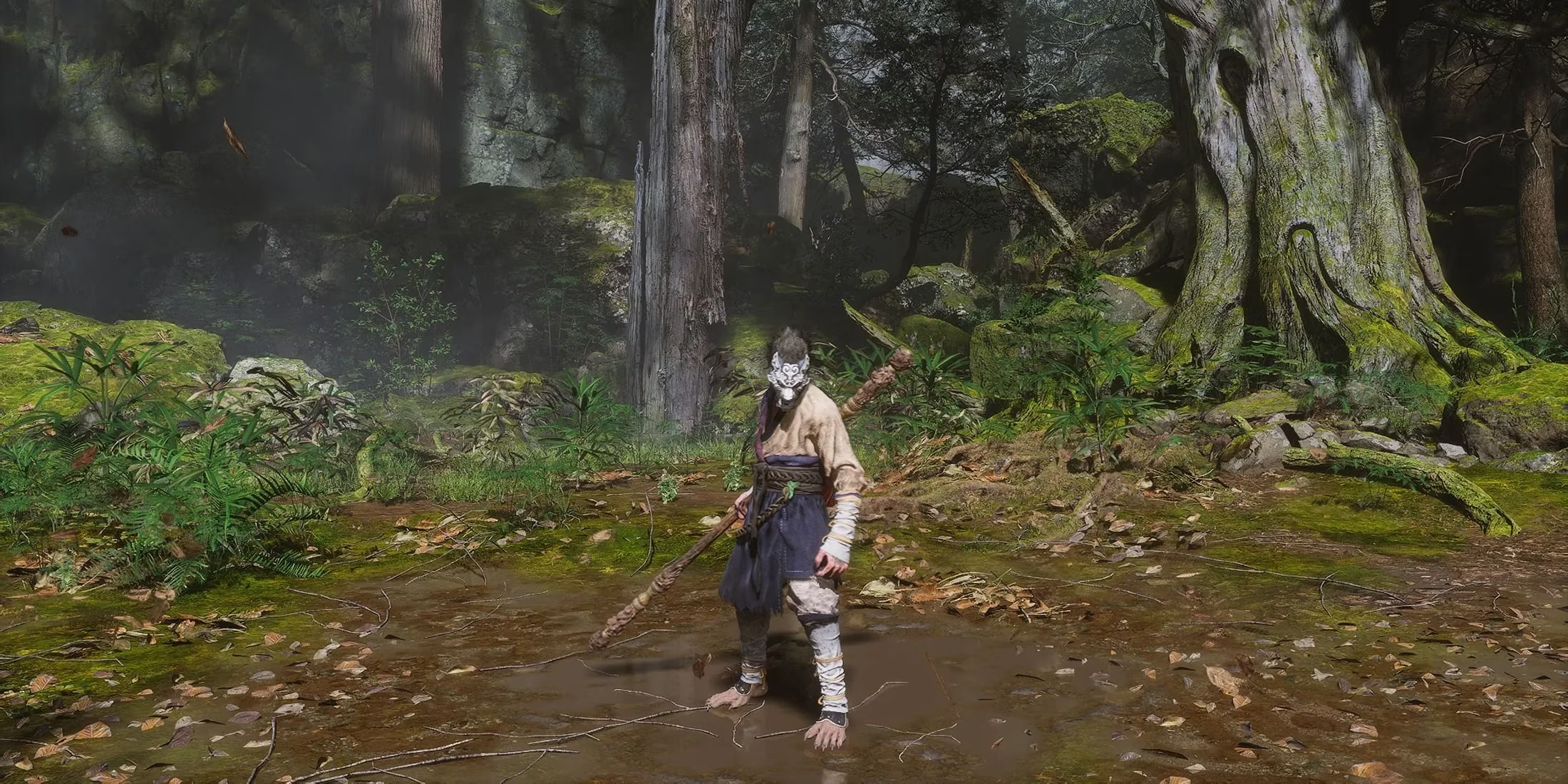
💎 Final Recommendations for 2026
Two years after launch, the optimal settings have become clearer. Here’s a quick-reference table for a balanced 60 FPS experience on a mainstream 2026 gaming rig (equivalent to an RTX 5070 or better):
| Setting | Recommended Level | Reason |
|---|---|---|
| Ray Tracing | Off | Performance cost remains high; save for screenshots. |
| Overall Quality | High | The sweet spot for detail vs. performance. |
| Shadow Quality | Medium | Shadows are costly; this setting offers great savings. |
| Post-Processing | Medium | Keeps essential effects without overdoing it. |
| Foliage Quality | High | Important for the lush environments. |
| Upscaling | DLSS/FSR Quality | Use the latest version for free performance. |
Combining these smart in-game settings with the visual cleanup from the WukongTweak mod is, frankly, the ultimate way to play. It’s about taking a legendary game and polishing it until it shines exactly how you want it to. The journey through its mythical lands is challenging enough—your graphics settings shouldn't be. Now, go forth, optimize, and conquer! After all, the perfect frame rate is the best spell a modern warrior can cast. 🐒✨