Black Myth Wukong’s Compatibility Mode boosts PC gaming performance, sacrificing graphics for stability on demanding hardware in 2026.
In the ever-evolving landscape of PC gaming in 2026, where titles push hardware to its absolute limits, Black Myth Wukong stands as a breathtaking yet demanding masterpiece. For players whose rigs are sweating bullets trying to keep up, the game offers a secret weapon right at launch: Compatibility Mode. This isn't just some random toggle; it's a full-blown performance intervention designed to save your gaming session from becoming a slideshow of despair. But what does this mode really do under the hood? Buckle up, because we're diving deep into the nuts and bolts of this essential feature.
What is Compatibility Mode, Really?
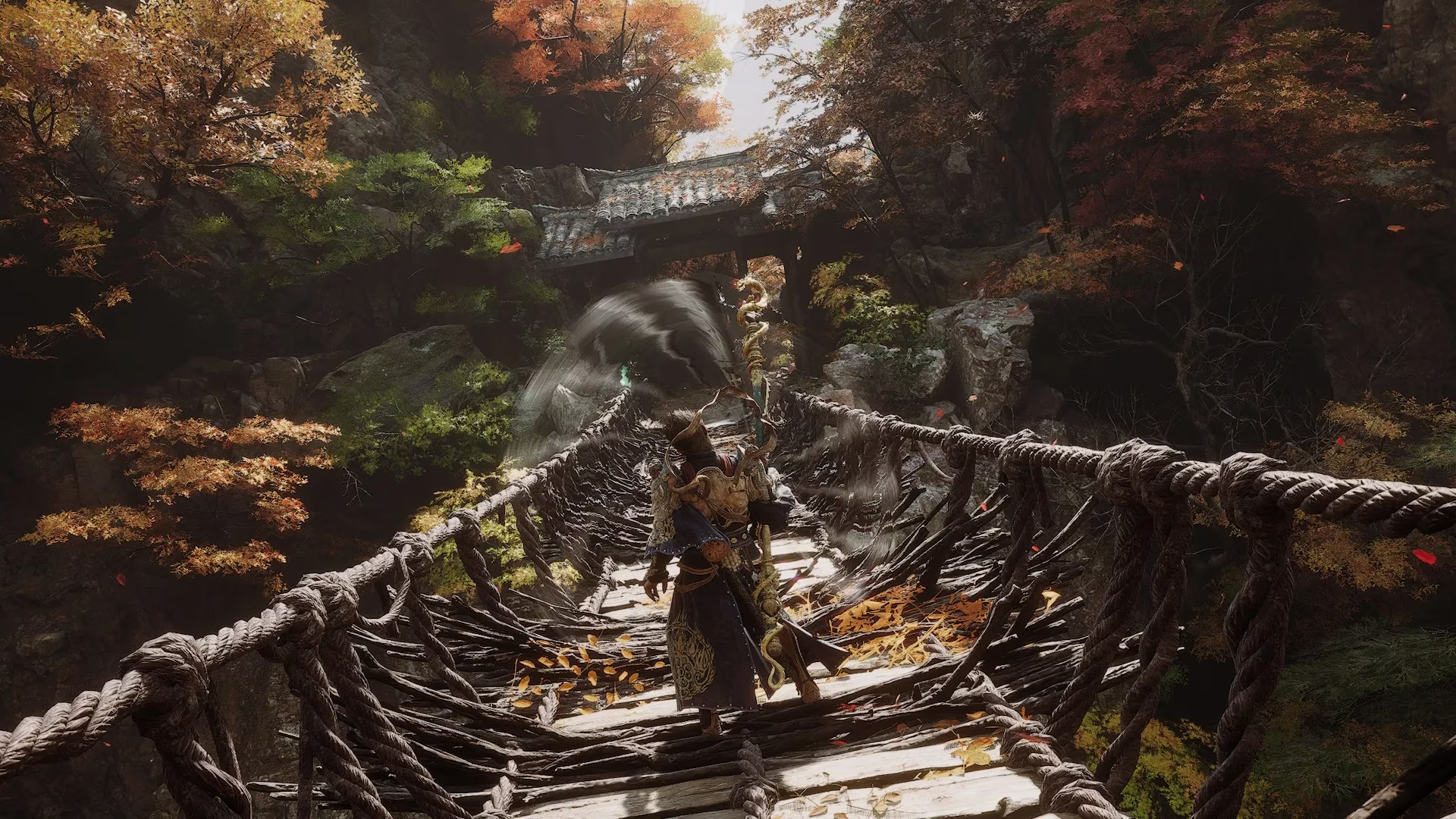
Let's cut to the chase. Black Myth Wukong's Compatibility Mode is, in essence, a stripped-down, ultra-stable version of the game. When you select it at launch, the game's engine goes into what we like to call "survival mode." It automatically deactivates a suite of graphically intensive features that could make an average or older PC throw in the towel. Think of it as the game saying, "Hey, let's ditch the fancy stuff and just make sure this runs smooth as butter."
This mode is an absolute godsend if you're experiencing any of the following nightmares in the standard version:
-
Lag and Stuttering: When your frame rate dips lower than your morale.
-
Crashes to Desktop: The ultimate buzzkill, especially during a boss fight.
-
Black Screens: You paid for a game, not a void simulator.
-
General Glitches: When characters T-pose for no reason or textures decide to take a vacation.
The Trade-Off: What You Gain vs. What You Lose
Here's the kicker, though. Compatibility Mode isn't a magic button that makes the game look better. It's a trade-off. You're swapping visual fidelity for raw stability. It's like choosing a reliable sedan over a finicky supercar for your daily commute.
What's Typically Disabled or Reduced:
| Feature | Likely Impact in Compatibility Mode |
|---|---|
| Ray Tracing | Completely disabled. Say goodbye to those perfect reflections and shadows. |
| Advanced Ambient Occlusion | Simplified or turned off, affecting depth and realism. |
| High-Resolution Textures | May use lower-resolution assets to save VRAM. |
| Complex Particle Effects | Spell and impact effects might be less detailed. |
| Draw Distance | Objects and enemies might pop in closer to the camera. |
Furthermore, V-Sync is often forced ON by default in this mode. While this eliminates screen tearing, it can cap your frame rate and introduce a tiny bit of input lag. For competitive players, that's a big no-no, but for a story-driven game like Wukong, it's often a worthwhile sacrifice for a tear-free experience.
So, Should You Use It? The Golden Rule
The million-dollar question! Our advice? Heck no... at least not right away. Don't jump into Compatibility Mode like it's a pool on a hot day. The golden rule for 2026 is to always try the standard version first. Fire up the game, play for a good 30 minutes, and see how your PC handles it. If you're getting a buttery-smooth, error-free experience, then you're good to go! You don't need the training wheels.
However, if your game is chugging along like it's running through molasses, or crashing more often than a rookie driver, then it's time to switch. Close the game completely and relaunch it, this time selecting the Compatibility Mode option. Pro tip: If the option doesn't appear again on launch (a rare bug), you can force it through your game client (like Steam or Epic Games Launcher) by right-clicking the game in your library, going to Properties, and looking for launch options or compatibility settings.
Beyond the Main Game: The Benchmark Tool
Here's a pro gamer move many forget: The Black Myth Wukong Benchmark Tool also has this mode! This is your best friend. If you're unsure about performance, run the benchmark in both Standard and Compatibility Mode. Compare the results—frame rates, stability, 1% lows. The benchmark doesn't lie. It'll tell you straight up if your rig needs the help or if it can handle the full, glorious spectacle.
Final Verdict: A Necessary Lifeline
In the grand scheme of things, Black Myth Wukong's Compatibility Mode is a brilliant and player-friendly feature. It acknowledges that not everyone is rocking a top-of-the-line 2026 GPU. It ensures that the game's epic story and combat are accessible to a wider audience, even if they have to compromise on some visual sparkle. It's the difference between playing the game and not playing it at all. So, while it might not be the "ideal" way to experience the stunning world inspired by Journey to the West, it's a fantastic plan B that keeps the adventure alive. Remember, a stable 60 FPS on medium looks infinitely better than a gorgeous, stuttering 20 FPS slideshow. Sometimes, you gotta keep it simple, stupid!